The Screen-Size Myth: Bigger Does Not Always Mean Easier
Screen size depends on viewing distance, content and task. Compare candidate displays in their intended places to choose one that fits your everyday use.
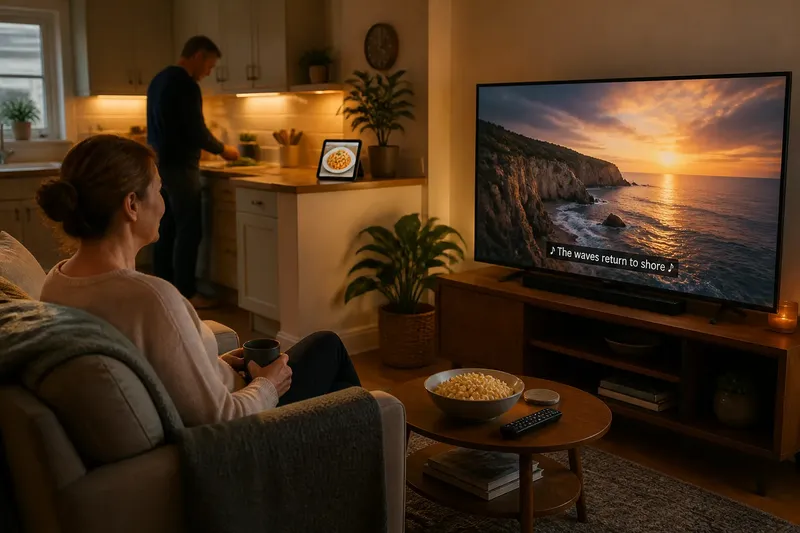
A large television can dominate a small sitting room, while a compact screen may leave captions hard to see from the sofa. Screen size is a choice about fit: compare the display with its location, the people using it and the content they share.
Start with shared use
Write down the screen’s main job and who needs to see it. A television for family viewing, a monitor used for video calls and a display showing a recipe beside a worktop each call for a different balance of image presence, visibility and placement.
Give priority to the use that happens most often, then check occasional tasks separately. For instance, a screen mainly used for films may also need to show subtitles clearly from the usual seats, while a kitchen display should not obstruct the work surface or force someone to step around it.
- Room viewing: Check whether the image and captions are visible from the usual seats; if not, compare a larger display or a different position.
- Video calls: Check whether everyone fits in the frame from the normal camera position; if not, adjust the camera or consider a wider display.
- Menus and controls: Check whether labels can be read from the operating position; if not, change the interface scale or choose a better placement.
- Shared spaces: Check whether the screen blocks movement or another activity; if it does, choose a smaller footprint or a different location.
- Portable use: Check whether the display is manageable in its intended setting; if it feels awkward to hold or share, consider a different format.
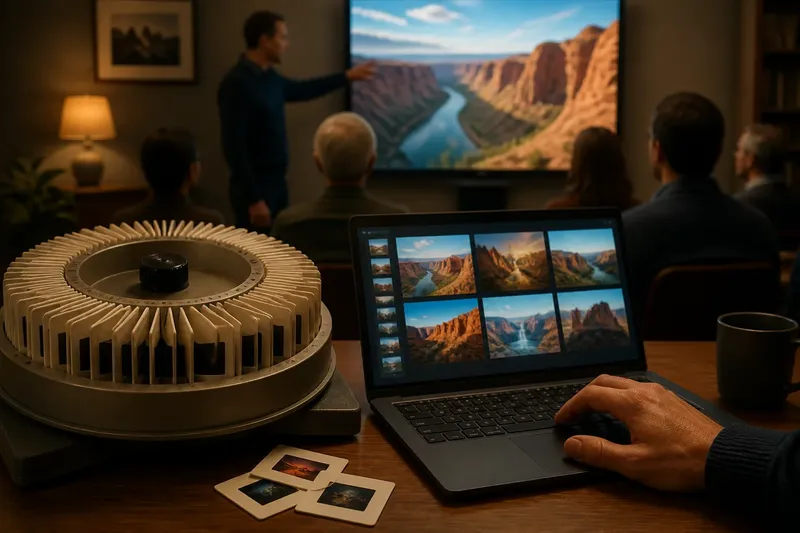
- Changing light: Check for window or lamp reflections at the usual viewing time; if content is obscured, reposition the screen or reduce the glare source.
Trying to make one display perfect for every task is not worth the effort. Decide which use matters most, then make sure the other regular uses remain workable.
Check the real position
Assess the place where the screen will actually be used. Sit in the usual chair or stand at the usual worktop, and check the view from the seats other people choose rather than from an imagined central position.
Distance changes how much of your view the display occupies. A screen can feel imposing nearby and less prominent across a room, so compare it from the intended position instead of judging its diagonal label in isolation.
Check the whole footprint, including the frame, stand and any cables that need room. A shelf, table edge, wall recess, window or lamp can limit placement or affect visibility. For a portable display, check the bag, desk or shared surface where it will go; a screen that suits a fixed desk may be cumbersome on a crowded table.
Match size to content
Use the material the screen will usually show. Films, captions, video calls, maps and menus place different demands on the display: an expansive image may suit a room, while small controls need to remain legible from the operating position.
For shared viewing, check the farthest regular seat and any angle from which people will watch. If captions or labels matter, look at them directly rather than assuming that a large picture makes every detail easy to see.
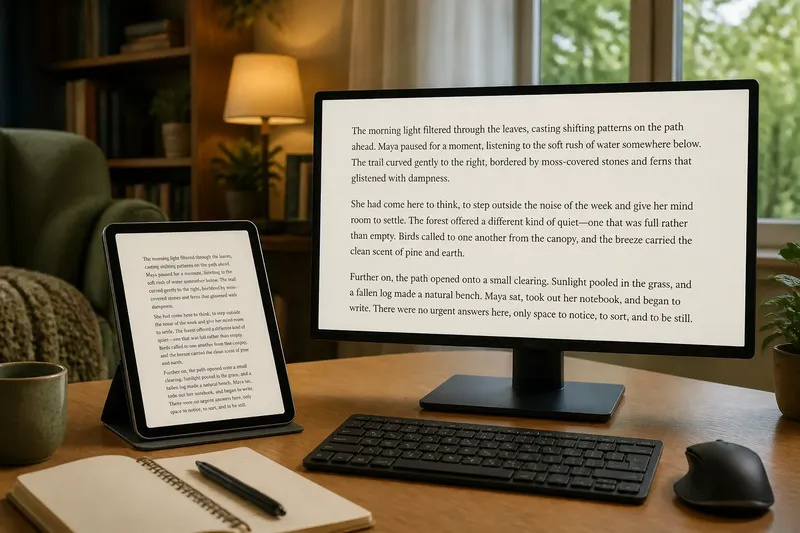
Keep the focus on shared viewing and placement rather than treating screen size as a shortcut for judging reading comfort. A bigger display does not, by itself, settle how text should be laid out or sized for someone reading nearby. For a shared screen, ask whether the intended viewers can see the needed material from their positions, then consider reading-specific layout separately.
Compare screens in place
When possible, compare candidate displays from the position where they will be used. A showroom aisle can make every screen seem large; your own chair or worktop gives a more useful reference. Use the same content and similar picture settings so that size is not confused with a vivid preset or brighter image.
Imagine you are choosing a television for a sitting room used by two people: one watches subtitled programmes from an armchair, while the other occasionally checks a recipe at a nearby counter. You note that the larger candidate makes captions easier to pick out from the armchair, but its position would obstruct movement between the counter and the sink. You then check the smaller candidate from both places and find its captions visible from the chair without blocking the route. The resulting trade-off favours the smaller screen for this setup; if the route could be kept clear with another placement, that decision might change.
If you cannot try a screen at home, use a retailer display or a paper outline to assess the footprint and viewing position. A paper outline can help with placement, but it cannot show how captions, menus or picture detail appear.
Check fit and placement
Before choosing, check whether the screen sits at a comfortable viewing angle and leaves normal movement unobstructed. A display placed too high, too low or well off to one side can be awkward even if its dimensions fit the wall.
Look for glare at the times the screen will be used. A window opposite the display or a lamp reflected in it can obscure content; try repositioning the screen or changing the light before deciding that a different size is needed.
Check controls and connections from the intended position. If menus or input labels are hard to see at a distance, consider placement or interface settings; if cables or a stand prevent a secure fit, choose another arrangement or a display whose footprint suits the available space.
Questions about screen size?
Will a bigger screen improve shared viewing?
It may make the image more prominent from a distant seat, but position and viewing angle still matter. Check the seats people actually use and confirm that captions or other important details remain visible.
How should I compare screens in a shop?
Stand or sit at a similar distance from each display and view the same familiar content with comparable settings. Treat the result as a size comparison only if the placement, content and viewing position are also comparable.
Does resolution determine the right screen size?
Resolution affects the detail a display can show, but it does not decide whether its footprint or placement suits a room. Check the intended content and viewing position as well as the display’s dimensions.
What should I check before ordering?
Compare the manufacturer’s outer dimensions and stand arrangement with the space available, including room for cables and movement. If the display will be shared, also check visibility from the regular seats.
Choose for the room
Rule out displays that do not fit the space or make the main shared task awkward. From the remaining options, choose the one that presents the content clearly from the usual positions and allows people to move around normally.
Screen size is most useful as a room-and-use decision, not a contest to fill the largest possible wall. If the setup changes, reassess the viewing positions, content and placement together; do not assume that choosing a larger display will solve a problem caused by glare, angle or blocked movement.